Create content
Build messages that fit the screen orientation, viewing distance, and audience.
Create, schedule, and publish property information across screens for events, directions, dining, activities, menus, and announcements.
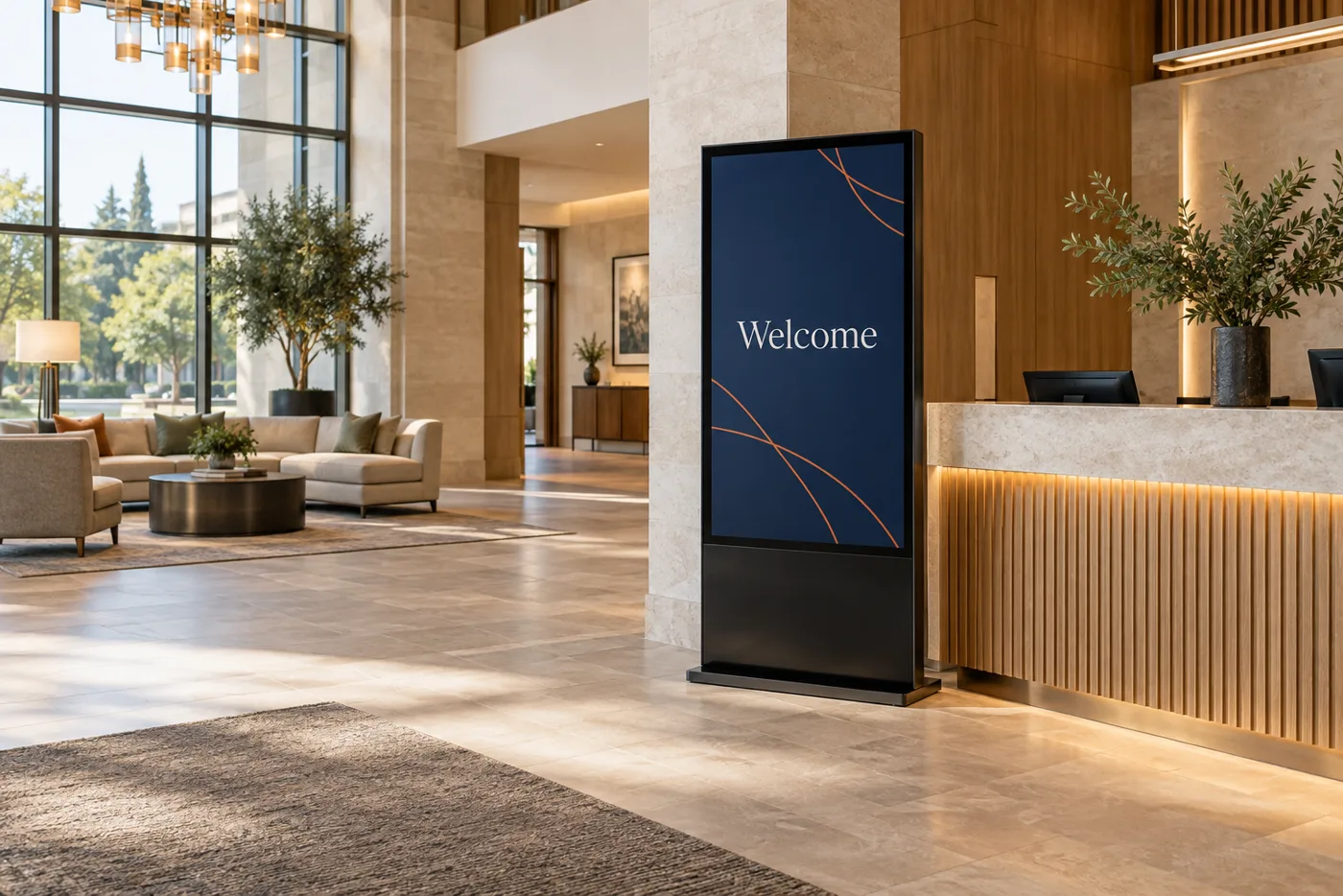
A signage system is easier to operate when screen locations, content ownership, update cadence, connectivity, and display hours are decided together.
Build messages that fit the screen orientation, viewing distance, and audience.
Organize displays by building, floor, department, lobby, dining area, or community space.
Plan when content appears, who updates it, and how changes are reviewed before publishing.
Use lobby displays, directories, directions, and arrival information to help people move through the property.
Keep activities, event schedules, dining menus, and promotions visible where they are most useful.
Plan a clear publishing path for announcements and emergency information alongside everyday content.
The platform and hardware are selected after the content and operating model are understood.
Identify events, directories, menus, activities, directions, and announcements.
Record screen count, orientation, location, viewing distance, and display hours.
Check hardware, operating system, connectivity, scheduling, and update access.
Test the content path and hand ownership to the people who will keep it current.
Compatibility and content responsibility matter as much as the display itself.
Good planning starts with the property you have. Existing wiring, equipment, policies, building access, and the desired cutover all shape the right recommendation. We will identify those variables before proposing a system.
Most property technology projects touch more than one system. These services often belong in the same conversation.
Coordinate TV distribution and common-area displays.
Learn moreGive screens the connectivity they need.
Learn morePlan signage around arrivals and guest flow.
Learn moreCompatibility depends on the chosen platform, hardware, operating system, connectivity, and the capabilities the project needs.
That is a planning decision. We can document the people, approvals, schedules, and training needed for the property to keep messages current.
Pricing, licensing, and support depend on the selected platform and agreement. We describe those terms in the proposal rather than making a universal promise.
Tell us where the screens are, what they should show, and who needs to update them.